Creating the Ultimate AI Learning Stream: NoTab Doubles Your Efficiency with ChatGPT/Claude/Gemini
In the era of AI, we often find ourselves frequently switching between intelligent Q&A tools like ChatGPT, Claude, Gemini, and various websites and resources. Whether it's writing, researching, or simultaneously chatting with AI while referencing web content, page transitions and tab management can break the "AI efficiency flow." Is there a way to keep all resources under control on one screen, truly integrating the learning flow and information flow?
NoTab is a browser extension designed specifically for these scenarios. Official website: https://notab.pro/
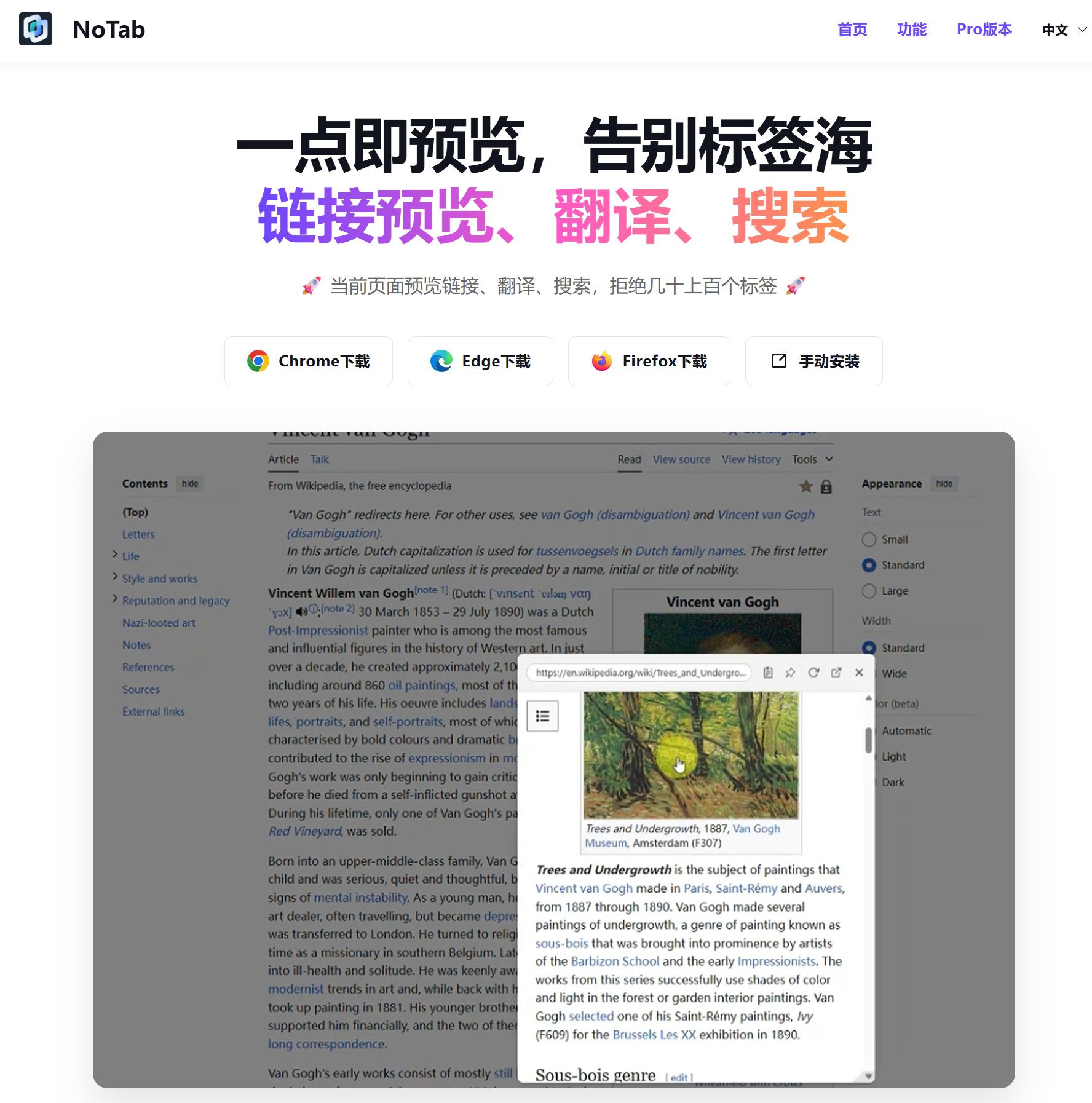
Everything at Your Current Page: Seamless Connection to AI Efficiency Flow
Anyone who has used ChatGPT, Claude, or Gemini knows that sometimes, to ask a question, you first need to find relevant information, compare multiple articles, or even look up and translate specialized terminology. You’ve likely done the following:
- Switch back and forth between the AI page and various search engines or resource pages;
- Open countless tabs, only to lose track of which links you’ve searched;
- Get interrupted while researching and writing, completely derailing your thoughts.
The core idea of NoTab is to make all of this happen on the current interface:
- You only need to drag any link (such as reference URLs from AI chat logs, third-party documents, forum posts, etc.) with your mouse, and a small window will pop up on the original page, directly previewing the content.
- It supports various types of links including web pages, articles, videos, blogs, and community links, without the need to open new tabs.
- Internal links can continue to be browsed, and word searches or translations can be accomplished with a single click.
Multi-window and Multi-link Simultaneous Preview: Ultimate Efficiency Stream
When deeply interacting with AI tools, it is often necessary to compare multiple reference materials. For instance, simultaneously previewing three or four papers or comparing the viewpoints of several authors is virtually impossible under traditional tab management.
NoTab supports dragging multiple links, displaying any number of pop-up windows simultaneously: